I worked for NASA at the Kennedy Space Center as a Simulation Development Intern.
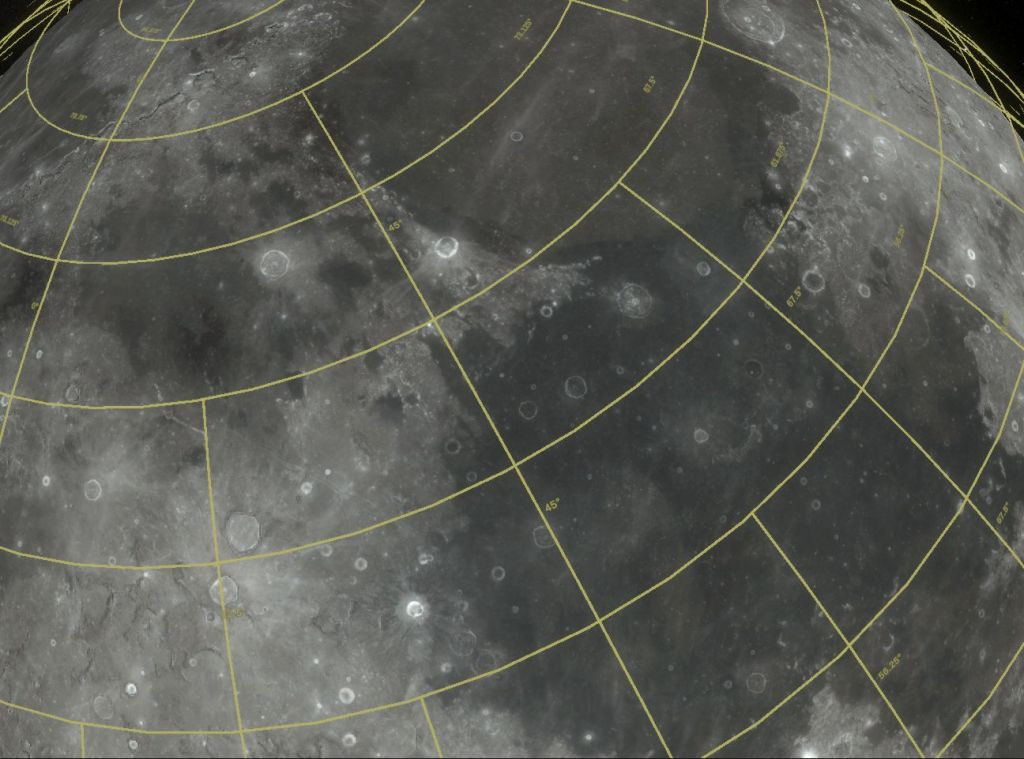
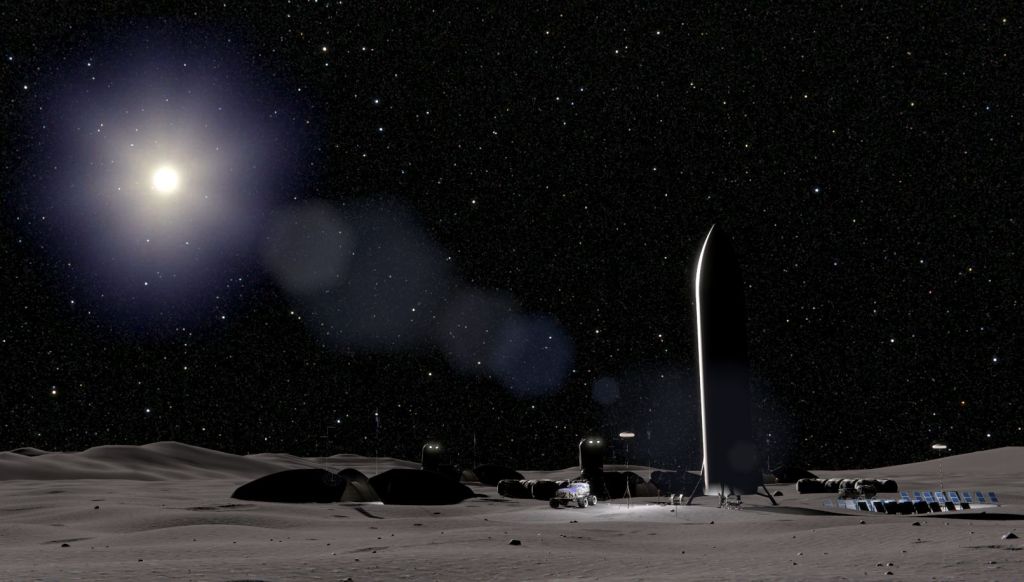
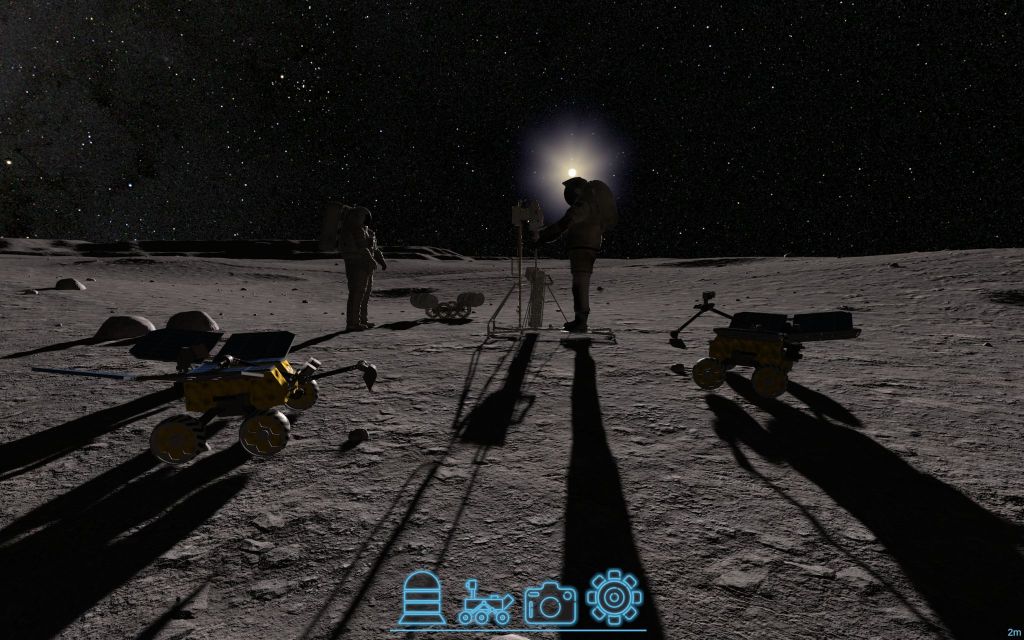
There, I developed a Unity-based desktop and Virtual Reality simulation titled “Moon Tycoon Version 2.” Moon Tycoon V2 emulates the lunar surface to a high degree of accuracy for mission planning and mission visualization purposes. Moon Tycoon is used by Swamp Works to visually simulate the In-Situ Resource Utilization (ISRU) Pilot Excavator in a lunar environment. Since the simulator provides a high degree of photo-realism, engineers are able to use the simulation to optimize the placements of tools such as cameras to best monitor the lunar environment and its interactions with the rover. This application also supports projects throughout the agency, providing an efficient solution for any developer that needs to design and visualize lunar operations with a high degree of photo-realism.
My personal contributions include implementing a realistic rover driving and manual control system, fine adjustments to the Moon’s lighting and shadows, updates to several aspects of the PC and VR user interface, and an input management system that allowed user interaction scripts to be easily programmed for both PC and VR controls.
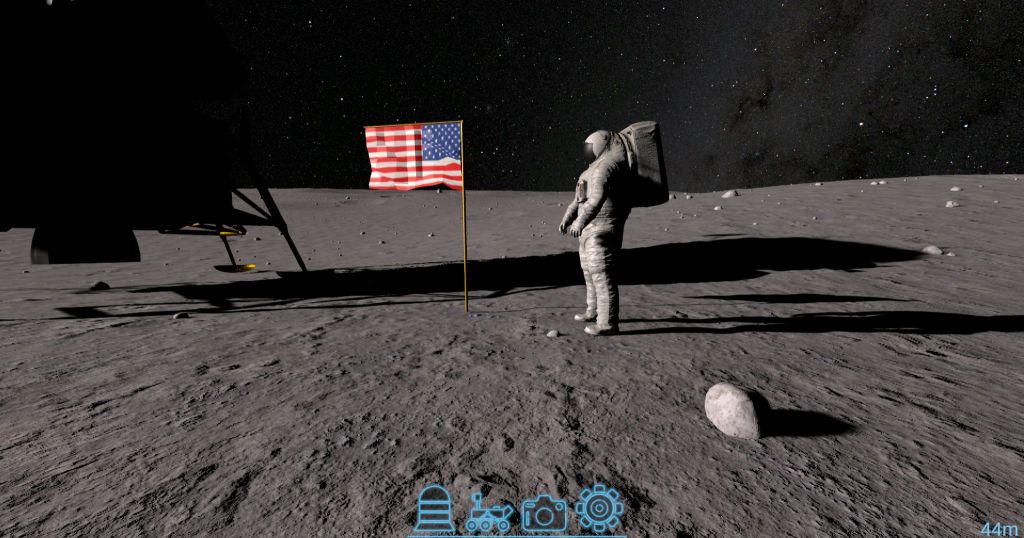
For this project, I:
- Reworked multiple aspects of the project’s User Interface to address user experience issues. This included building the project’s menus to be consistent by adding stylesheets in Unity’s UI Toolkit. I consolidated elements that should stay consistent throughout most menus into a single general stylesheet – this included text color, border color, background color, etc. I also addressed issues with contrast and legibility by adding contrasting shadows and outlines to menu text and multiple visual elements, ensuring that menu elements always stood out no matter what is behind the menu overlay.
- Added vehicle driving capabilities. I developed a “Drivables” script which could be attached to rovers and other lunar vehicles to allow for realistic driving of the vehicles on the lunar surface. The acceleration and maximum velocities of all vehicles in the simulation were made accurate to their real-world counterparts, and all vehicles had special colliders added to their wheels to ensure that contact from the wheel was maintained with a surface in order for that wheel to drive the vehicle forward. An option was also added to keep vehicles stable and prevent them from tipping over, which when toggled would automatically set the center of mass of every vehicle to their lowest central point, causing all vehicles stick to the surface pretty effectively and making them automatically right themselves when knocked over.
- Created a robust input management system to allow controls from both PC and VR inputs.
- Added a vehicle control system to the project’s VR controls, allowing the user to finely control not just vehicle movement but also multiple vehicle joints (such as the camera arm on the perseverance rover) in an intuitive manner using the controller’s joystick.
- Developed a new menu for the project’s VR interface. This menu greatly improved the navigability of the VR menu, and also allowed the user to list currently deployed assets by category, select whether to control each individual asset, and also list and control all cameras on the selected asset.
- Implemented the project’s title screen for VR, and implemented controls for selecting the user’s start location on the lunar surface. The user is able to point to a location on a large 3D representation of the moon to select their start location, and the user can also use their controllers to rotate and resize the 3D representation of the moon.
- Made multiple minor improvements and bugfixes to the project, including fixes to lighting, shadows, import settings, and standalone build issues.
 Sebastian Bolatto's Portfolio